

Spacejot for desktop.
Your projects in their own window, on your computer's full graphics card.
v0.1.5 · 111 MB · 4 October 2026 · also for macOS
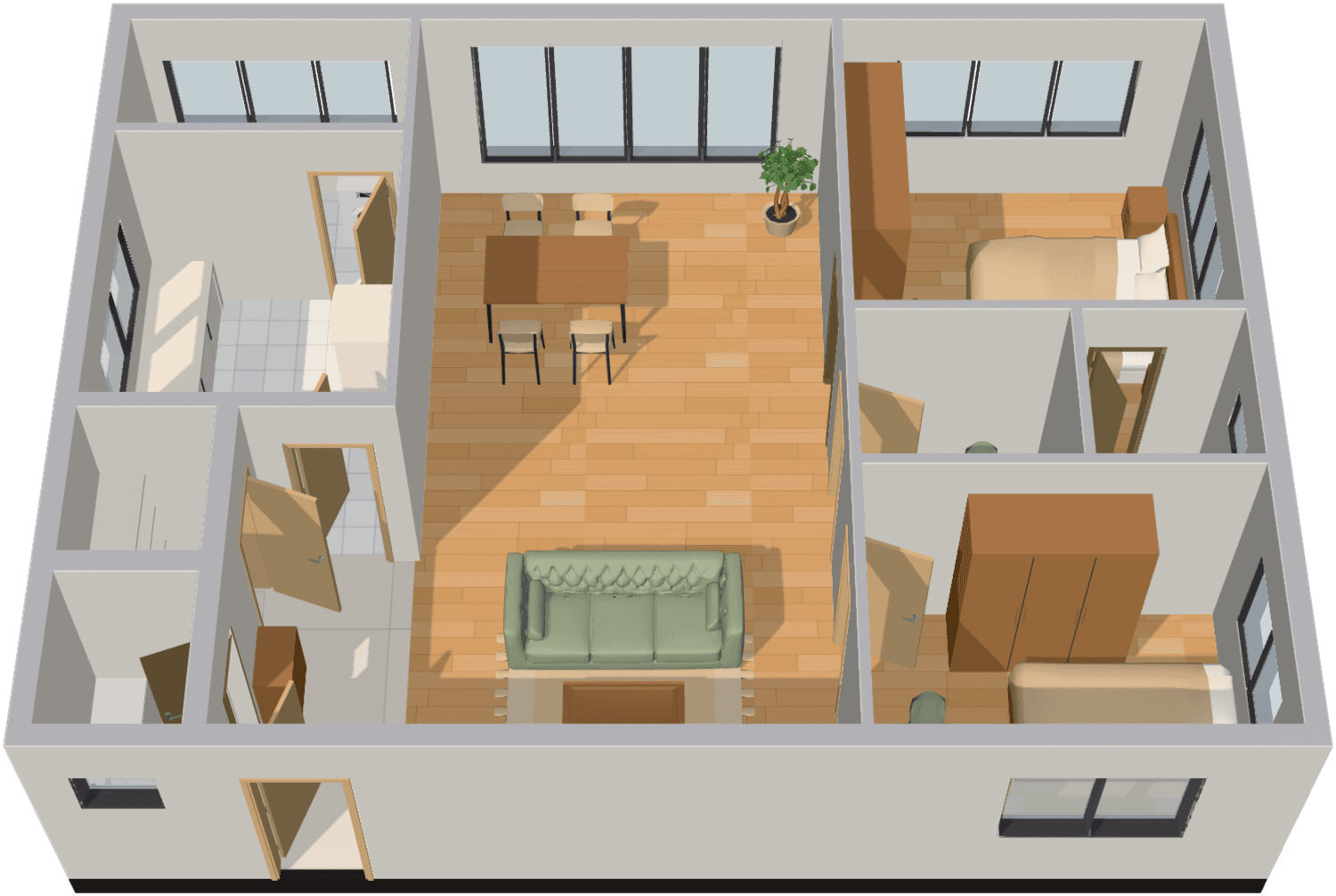
 Spacejot — Tanjong Rhu Residence
Why the app
Straight into your work.
No tabs, no homepage. Sign in once and it opens on your projects.
Built for heavy plans.
It runs on your dedicated graphics card, so big plans and 3D stay smooth.
Always the latest.
New features arrive the moment we ship them; the app updates itself.
                                                    #+++: #
                                               ##+++++++:::: #
                                           ##+++++++++++:::::: #
                                       ##+++++++++++++++::::::::: #
                                   ##+++++++++++++++++++::::::::::: #
                               ##+++++++++++++++++++++++:::::::::::::: #
                           #++++++++++++++++++++++++++++:::::::::::::: :: #
                       #++++++++++++++++++++++++++++++++:::::::::::::: :::: #
                   #++++++++++++++++++++++++++++++++++++::::::::::::::  :::::: #
               #+++++++++++    +++++++++++++++++++++++++:::::::::::::: +   ::::: #
              +++++++++        +++++++++++++++++++++++++:     :::::::: +     :::::: #
              ++++++++         +++++++++++++++++++++++++  %  %  :::::: +        ::: :: #
              ++++++++         ++++++++++++++++++++++     :: % %   ::: +          : :::: #
              ++++++++         +++++++++++++++++++      %% ::: %  %    +            ::::::: #
              ++++++++         ++++++++++++++++++  %%**   %  :::: % %               ::::::::: #
              ++++             ++++++++++++++   +   * %%%%%%%   ::: %  %            :::::::::::: ##
              ++  %%%%%%%      ++++++++++   +++++ ::: % %%%%%%%%   ::: % %%         ::::::::::::::+
              +  %  %%   %*    ++++++  ++++++++++     : %  %%%%%%%%  ::: % %%: #    :::::: :::::::+
              + ::: %%*****    ++  +++++++++++    %%%%  :: % %%%%%%%%     :**::::   ::    %   ::::+
              + :::::******    ++++++++++++++ %% %%%%%%%   : %  %%   %  %%***::::     %%%%%   ::::+
              + :::::******++++++++++++++++++++  % %%%%%%%%  :: %  %%%*******    %%%%%%   %***::::+
              + :::::******+++++++++++++++++++++   %% %%%  %% :::: :******   %%%%%%  %%*******::::+
              ++   ::****++++++++++++++++++++++++     %%%**+++   :::****   % %%  %%***********::::+
              +   :: ****+++++++++++++++++++++++++++   *   ++   +      ++ :: %%***************::::+
               : +      ++++++++++++++++++++++++++++++ +++++ : % ++++++++ ::::****************::::+
                   +  ++++++++++++++++++++++++++++    %   ++ :: *++  ++++ ::::****************::::+
                    : + ++++++++++++++++++++++    %%%%%%%%      *+  %  ++ ::::****************::::+
                        +  ++++++++++++++++++ % %%%%%%%%%%%%%   *+ :::*++ ::::****************::::+
                         : +  ++++++++++++++++  % %%%%%%%%%%%%%     ::*++ ::::****************   :+
                            : + ++++++++++++++++  %% %%%%%%%%%%% %%  :*++ ::::****************  +=
                                +  ++++++++++++++++  %% %%%  %%%* %****++ ::::***************===
                                 : + ++++++++++++++++   %%%**++  ::****++ ::::***********===
                                     +  +++++++++++++  :* ++++++     ++++  :::*******===
                                      : +  ++++++++++++++++++++++++++++++++  :***===
                                         : + ++++++++++++++++++++++++++++  ++==
                                             +  +++++++++++++++++++++  ++==
                                              : + +++++++++++++++  ++==
                                                  +  +++++++   ++==
                                                   : +     +===
                                                      ::===
A room from a plan · drag to turn it
Every way to use Spacejot.
The same projects everywhere: start a plan on your desktop, present it from an iPad.
macOS
macOS 12 Monterey or later, Apple silicon and Intel
v0.1.5 · 230 MB · 4 October 2026
iPad and phone
Add Spacejot to your home screen to review plans and present on site.
Questions about the app.
Something not working? Talk to us.
It's the same Spacejot with the same projects. The app gives it its own window, opens straight into your workspace, and always uses your computer's dedicated graphics card.
Yes. Spacejot saves your work to the cloud as you go, so the app needs a connection to open. If your connection drops, the app tells you and picks up where you left off when it's back.
Improvements to Spacejot appear in the app as soon as we release them. Occasionally the app itself gets an update; it downloads in the background and installs the next time you quit.
Yes. While we finish registering Spacejot with Microsoft, Windows SmartScreen may show a warning for new downloads. Choose More info, then Run anyway. The warning goes away once registration completes.
While we finish registering Spacejot with Apple, macOS asks you to approve it once. Open the app, dismiss the message, then go to System Settings, Privacy & Security, and choose Open Anyway next to Spacejot. After that it opens normally. Until registration completes, download new Mac versions from this page to update.
Choose Continue with Google in the app. Your browser opens for the Google step, then hands you straight back to the app, signed in.
On Windows, open Settings, then Apps, and uninstall Spacejot. On a Mac, drag Spacejot from Applications to the Bin. Your projects stay safe in your account.